WhatsApp Is Removing Order Tools From the Business App. Act Before 28 December
WhatsApp is removing built-in order tools from the WhatsApp Business app from 15 November 2026. Accepted, active orders can still be managed until 28 December 2026. Catalogues and carts stay, but confirmations move into the chat.
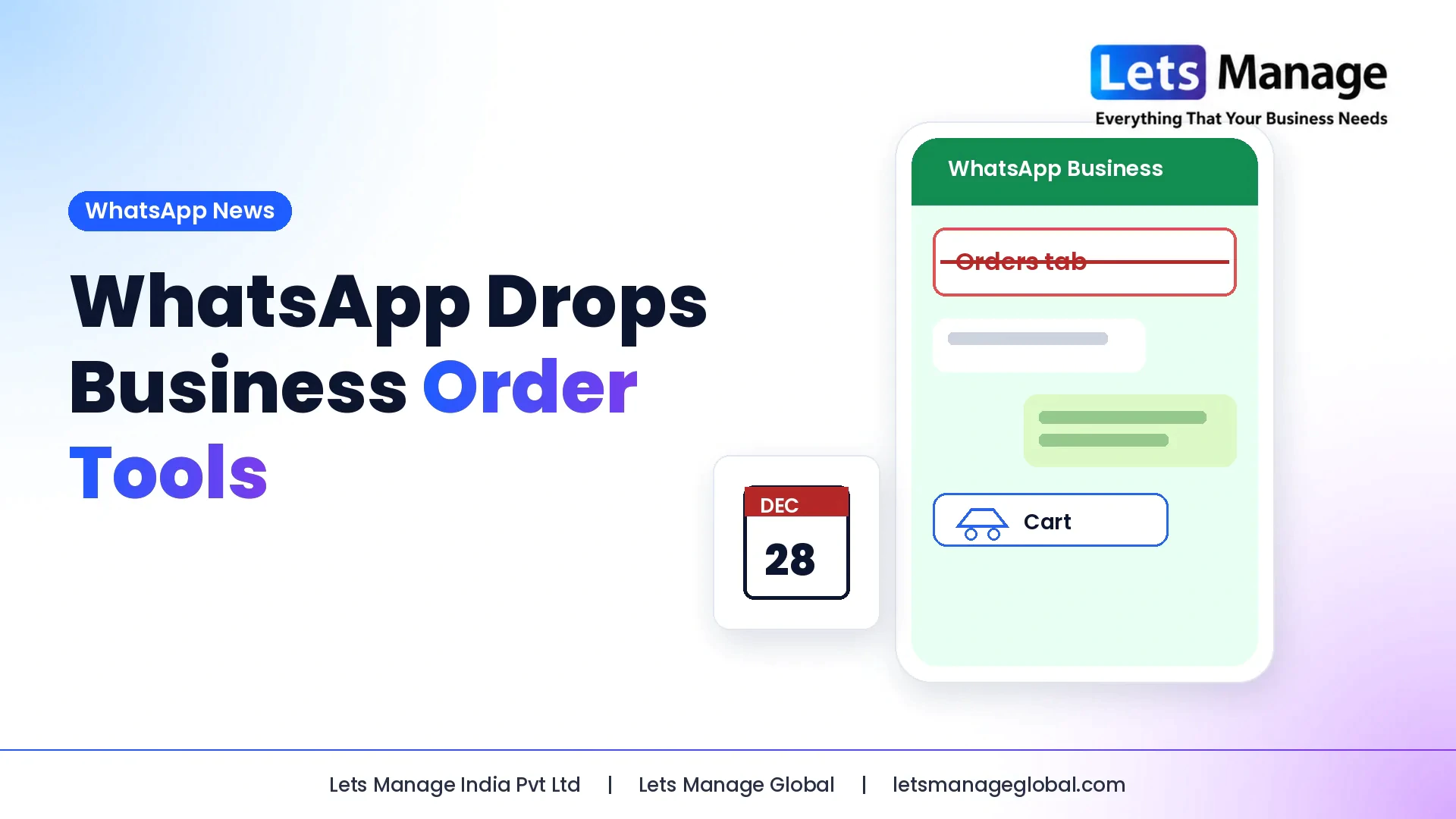
In brief. WhatsApp is removing built-in order tools from the WhatsApp Business app from 15 November 2026. If you already have accepted, active orders, you can keep using those tools until 28 December 2026. After that, catalogues and carts stay, but you must confirm orders, payments and delivery updates in the chat.
What did WhatsApp change?
WhatsApp is removing built-in order tools from the WhatsApp Business app, starting 15 November 2026. If you already have accepted, active orders when the removal begins, WhatsApp says you can keep using those tools to finish those orders until 28 December 2026. After that date, the order tools go away for good.
The help page is clear about what disappears. The Orders tab in Business tools will no longer be available. You will not be able to create orders for customers, including custom orders or orders from carts and catalogue items. Built-in buttons to accept or decline a cart, to update an order status, to add tracking, or to create a direct charge will also stop.
What stays the same
This is not a shutdown of shopping on WhatsApp. The shopping help page says customers can still browse a business catalogue and send a cart in the chat. Your catalogue, collections and business profile stay available. You can still receive those carts as messages, confirm the details in the chat, coordinate payment where that is available, and send delivery updates as ordinary messages.
WhatsApp also says that once the tools are gone, any change to a customer's cart should be handled in the chat, not through a built-in order action. The same help pages note that this feature is not available on WhatsApp for desktop. The wording is about the WhatsApp Business app. The pages do not mention the WhatsApp Business Platform or Cloud API, so this should be read as an app change until WhatsApp says otherwise.
Why this matters now
A great many small businesses in India and the UAE take orders on WhatsApp. For some, the Orders tab was the only record of what was bought, what was paid and what had been sent. When that tab goes, those records are no longer sitting inside the app in the same way. If you do not copy them first, you may lose the only list you have of open orders, customer details and delivery status.
The other risk is operational. Staff who used to tap Accept or mark an order as shipped will now have to write those updates in the chat, and keep a separate record in a spreadsheet, a CRM or an ecommerce tool. That is manageable if you plan for it. It is messy if the change arrives as a surprise in the middle of a busy week.
You still have a short window. 15 November 2026 has already passed, but WhatsApp is leaving access in place until 28 December 2026 for accepted, active orders that were already open when the removal began. That window is the time to export what you need and to agree a simple chat process with your team.
Who this affects
The change matters most to businesses that take payments and deliveries through the WhatsApp Business app itself, especially retailers, bakeries, florists, clinics and local services that used the Orders tab every day. It also matters to agencies and social media teams who set up that app for clients and may still be reporting from the built-in order tools.
If you only use WhatsApp for enquiries and then take payment on your website, the practical impact is smaller. Catalogues and carts still work. You will simply confirm the order in the chat, as many teams already do.
What businesses should do now
1. Copy your open order records before 28 December 2026. WhatsApp tells you to keep a note of customer details, items, prices, payment status and delivery information while you can still open the order tools. Do this now, not on the last day.
2. Agree a chat script for new carts. When a customer sends a cart, reply in the chat to confirm the items, the price, the delivery details and the payment method. Write this down so every person who handles the inbox says the same things.
3. Move status updates into the chat. Share confirmations, payment receipts and delivery updates as messages. If you need to cancel or change an order, tell the customer in the chat.
4. Pick a system of record outside WhatsApp. A simple spreadsheet is enough for a small volume. A CRM or an ecommerce checkout is better if you take many orders a day. The app will no longer be that system.
5. Brief the people who answer WhatsApp. Tell staff that the Accept, status and tracking buttons are going away, and show them the new steps. A ten-minute walkthrough now prevents missed orders later.
6. Check how you take payment. Direct charges inside the order tools will stop. If you relied on them, set a clear alternative in the chat, such as a payment link you already use, before the window closes.
Our view
WhatsApp is not closing the shop window. Catalogues and carts remain, and that is what most customers actually use. What is ending is the built-in back office inside the Business app. Businesses that treat the next few weeks as a records and process job will barely feel the switch. Businesses that keep depending on the Orders tab until it vanishes will be the ones scrambling in late December.
Our social media team helps businesses set up WhatsApp, catalogues and a clean enquiry-to-order process. If you would like help before 28 December 2026, talk to us.
What to do now
These checks help you finish the switch before 28 December 2026.
-
Export open orders now.
Copy customer details, items, prices, payment status and delivery information while the order tools still open.
-
Write a cart reply script.
Confirm items, price, delivery and payment in the chat every time a cart arrives.
-
Send updates as messages.
Share confirmations, cancellations and tracking in the chat, not through buttons that are going away.
-
Pick a record outside WhatsApp.
Use a spreadsheet, a CRM or an ecommerce tool as the lasting list of orders.
-
Brief the inbox team.
Show staff the new steps before the 28 December 2026 cut-off.
-
Replace direct charges.
Set a payment method you can send in the chat, because in-app direct charges will stop.
Questions and answers
What is WhatsApp removing from the Business app?
WhatsApp is removing built-in order tools, including the Orders tab, the ability to create orders, built-in accept or decline actions, status and tracking buttons, and direct charges. The change starts on 15 November 2026.
Can I still finish orders that are already open?
Yes, if they were accepted and still active when the removal began. WhatsApp says you can keep using the order tools for those orders until 28 December 2026.
Can customers still send carts?
Yes. WhatsApp says customers can still browse your catalogue and send you carts. You then confirm the details in the chat.
Does this apply to the WhatsApp Business Platform or Cloud API?
The official help pages describe the WhatsApp Business app and do not mention the Business Platform or Cloud API. Read this as an app change until WhatsApp says otherwise.
Is this available on WhatsApp desktop?
WhatsApp says this feature is not available on WhatsApp for desktop.
What should I do first?
Copy your open order records now, agree a chat script for new carts, and choose a place outside the app to keep those records.
Sources
- WhatsApp Help Center, About order tools changes on the WhatsApp Business app, Checked 22 November 2026
- WhatsApp Help Center, About shopping on WhatsApp, Checked 22 November 2026
Checked by the Lets Manage Global team. Last updated 23 Nov 2026.