Chrome 158 Drops XSLT. Why Your Sitemap Suddenly Looks Broken
Chrome 158 reached the stable channel on 17 November 2026 and no longer runs XSLT. Styled XML sitemaps now appear as raw code in Chrome. Here is why that is mostly harmless, which businesses do need to act and what WordPress is changing in version 7.2.
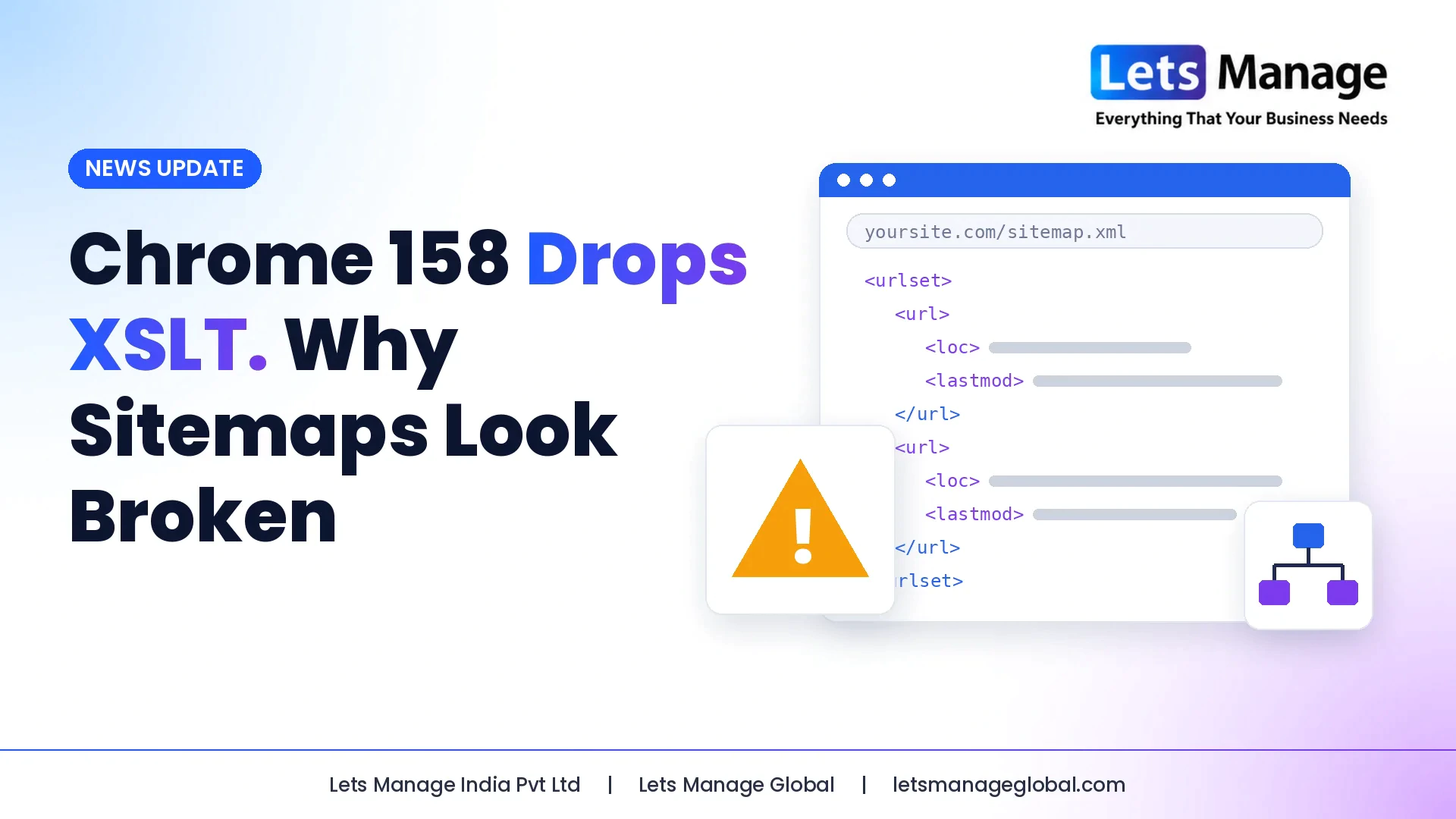
In brief. Chrome 158, promoted to stable on 17 November 2026, no longer runs XSLT, the technology many sites use to show XML sitemaps as a formatted table. Sitemaps now appear as raw XML in updated Chrome. The sitemap data does not change, so this is a display issue, but any business tool that depends on XSLT in the browser needs to be rebuilt.
What changed in Chrome 158?
Google promoted Chrome 158 to the stable channel on 17 November 2026 for Windows, Mac and Linux, with the rollout continuing over the coming days and weeks. Alongside 204 security fixes, this is the version in which Chrome stops running XSLT, an old technology that turns raw XML files into readable web pages inside the browser.
For most people the first sign will be a sitemap. Open a WordPress or SEO plugin sitemap in an updated Chrome and the neat, clickable table many site owners are used to can be replaced by plain XML code or an error. It looks alarming, but in most cases nothing on the website has broken.
What XSLT is and why Chrome removed it
XSLT stands for Extensible Stylesheet Language Transformations. A file written in XML can point to an XSLT stylesheet, and the browser uses that stylesheet to rearrange the data and show it as a formatted page. For years WordPress and many SEO tools have used this trick to make XML sitemaps pleasant for humans to read.
Chrome's own deprecation guide explains the reasoning. The libraries that process XSLT are complex, ageing C and C++ code that has produced high severity security flaws, while the feature itself is rarely used. Chrome puts usage at about 0.02% of page loads, with less than 0.001% using XSLT processing instructions. Removing it shrinks the attack surface for every Chrome user. Google also says the WebKit and Gecko engines, which power Safari and Firefox, support removing XSLT from the web platform.
Two things go away. The XSLTProcessor JavaScript API stops working, and so does the processing instruction that links an XML file to an XSL stylesheet. Chrome is clear that XML itself is not being removed, and that the same instruction still works when it points to an ordinary CSS stylesheet.
The timeline from here
This change has been signposted for more than a year. Console warnings started in Chrome 142 in October 2025, and the pre release Canary, Dev and Beta channels began switching XSLT off by default in Chrome 145. From Chrome 158, XSLT no longer works on stable Chrome for anyone except sites enrolled in an origin trial and organisations using an enterprise policy. Those two escape routes end with Chrome 176, which Chrome lists for 17 August 2027, after which XSLT is disabled for all users.
What this means for WordPress sitemaps
WordPress has included a built in sitemap with an XSL stylesheet since version 5.5. The WordPress development team has already responded. A change committed to WordPress core on 3 October 2026, titled Sitemaps. Remove XSL stylesheets, notes that browser support for client side XSLT is being removed and that the display of XML sitemaps may fail on sites that include a stylesheet. The fix removes the stylesheets and lets browsers show the raw XML as they choose. The code is marked for WordPress 7.2, which the project currently plans to release on 8 December 2026.
Until then, a WordPress site on 7.1.x still serves the old stylesheet link, and updated Chrome will refuse to apply it. Sites that use an SEO plugin to generate their sitemap depend on how that plugin handles the change, so check the plugin's own changelog rather than assuming.
The important point for business owners is that the stylesheet only controls how a sitemap looks to a person in a browser. The list of URLs inside the file does not change. If your sitemap now looks like a wall of code, that is a display issue, not a sign that search engines have lost track of your pages. The way to be sure is to check the Sitemaps report in Google Search Console and in Bing Webmaster Tools.
Who this affects
Almost every website owner will see the sitemap change at some point, but few will be harmed by it. The businesses that need to act are those that use XSLT for something customers or staff actually rely on. Examples include styled RSS or product feeds meant to be opened in a browser, older intranet and reporting tools that render XML in the browser, catalogue or price list pages built on XML, and some legacy government or enterprise portals used by suppliers. SEO teams who open sitemaps during audits should also know what they are looking at, so they do not raise a false alarm while the November core update is still rolling out.
What businesses should do now
1. Do not panic over the sitemap. If the sitemap shows raw XML in Chrome, confirm the URLs are still listed and that the file loads with a normal status. That is usually all that matters.
2. Check Search Console. Open the Sitemaps report and confirm each sitemap was read without errors. Do the same in Bing Webmaster Tools.
3. Look for real XSLT use. Ask your developer to search the site and any internal tools for XSL files, the XSLTProcessor API and stylesheet links of the type text/xsl. Anything customer facing should be fixed first.
4. Pick a migration path. Chrome suggests moving the transformation to the server and sending finished HTML, switching to JSON rendered with JavaScript, or using a JavaScript XSLT library. A WebAssembly based polyfill and a browser extension exist as stopgaps.
5. Use the origin trial only as a bridge. If a business critical tool cannot be rebuilt quickly, the origin trial or an enterprise policy can buy time, but both stop working in August 2027.
6. Keep WordPress and plugins current. Plan to test WordPress 7.2 on a staging copy before it lands, and update your SEO plugin when its developer ships a fix.
7. Update Chrome itself. Version 158 carries 204 security fixes, so make sure staff browsers are updating too.
Our view
This is a good example of a change that looks dramatic and is mostly harmless. The pretty sitemap was always a convenience for humans, and search engines never needed it. The real risk sits with the small number of businesses that quietly built tools on XSLT years ago and forgot about them. Those tools will now fail in Chrome, often without warning to the people using them. A short technical audit this month is far cheaper than discovering in a client meeting that your supplier portal shows a blank page.
Our website development team audits, maintains and modernises business websites and web apps for clients in India and abroad. If you want a second pair of eyes on your sitemaps or older tools, talk to us.
What to do now
A short check this week separates the harmless display change from anything that is genuinely broken.
-
Open your sitemap.
Confirm the URLs are listed and the file loads normally, even if it now shows raw XML.
-
Check Search Console.
Make sure each sitemap is read without errors in Google Search Console and Bing Webmaster Tools.
-
Search for XSLT.
Ask your developer to look for XSL files, XSLTProcessor calls and text/xsl stylesheet links.
-
Fix customer facing tools first.
Move any XSLT based feed, portal or report to server side rendering or JSON.
-
Treat the origin trial as a bridge.
It can keep a critical tool working, but it ends in August 2027.
-
Plan the WordPress 7.2 test.
Test 7.2 on staging before 8 December and update your SEO plugin when a fix ships.
Questions and answers
Is my sitemap broken in Chrome 158?
Almost certainly not. Chrome 158 no longer applies the XSL stylesheet that made sitemaps look like a neat table, so the file now shows as raw XML. The URLs inside the file are the same. Check the Sitemaps report in Google Search Console to confirm it is still read without errors.
Does this affect SEO or rankings?
The stylesheet only changes how a person sees the sitemap in a browser. It does not change the sitemap data itself. If Search Console and Bing Webmaster Tools still read your sitemap without errors, there is nothing to fix for search.
Why did Google remove XSLT from Chrome?
Chrome says the libraries that process XSLT are complex, ageing code with a history of serious security flaws, while the feature is used on only about 0.02% of page loads. Removing it reduces the browser's attack surface for every user.
What should I do if my business relies on XSLT?
Rebuild the feature. Chrome suggests moving the transformation to the server and sending finished HTML, switching to JSON rendered with JavaScript, or using a JavaScript XSLT library. A polyfill, an origin trial and an enterprise policy can bridge the gap, and the trial and policy end with Chrome 176 in August 2027.
Is WordPress fixing this?
Yes. A change committed to WordPress core on 3 October 2026 removes the sitemap XSL stylesheets, and the code is marked for WordPress 7.2, planned for 8 December 2026. Sites that use an SEO plugin for their sitemap should check that plugin's own changelog.
Sources
- Chrome Releases, Stable Channel Update for Desktop, 17 November 2026
- Chrome for Developers, Removing XSLT for a more secure browser, 29 October 2025
- WordPress Core (wordpress-develop), Sitemaps. Remove XSL stylesheets, 3 October 2026
- WordPress.org News, WordPress 7.1.5 Release, 18 November 2026
Checked by the Lets Manage Global team. Last updated 21 Nov 2026.